 Free Web App · 100% Client-Side
Twelve Instagram tools,
zero uploads.
A free suite of twelve Instagram tools that runs entirely in the browser. No upload, no account, no watermark: your images never leave your device.
Grid Studio in 26 seconds.
A short film I made entirely in code: type, motion and sound, built from the product’s own brand. Turn the sound on. The full film follows below.
How it was made →All twelve tools, in order.
A silent walkthrough recorded off the real page: every caption you see is on screen, and every result you see was produced live in the browser.
What "client-side" means here: every image is read, sliced, rendered and zipped by your own browser. There is no server to upload to, no account to create, and no watermark. The only network requests the page makes are for two open libraries and a cookieless visit counter.
What is Grid Studio?
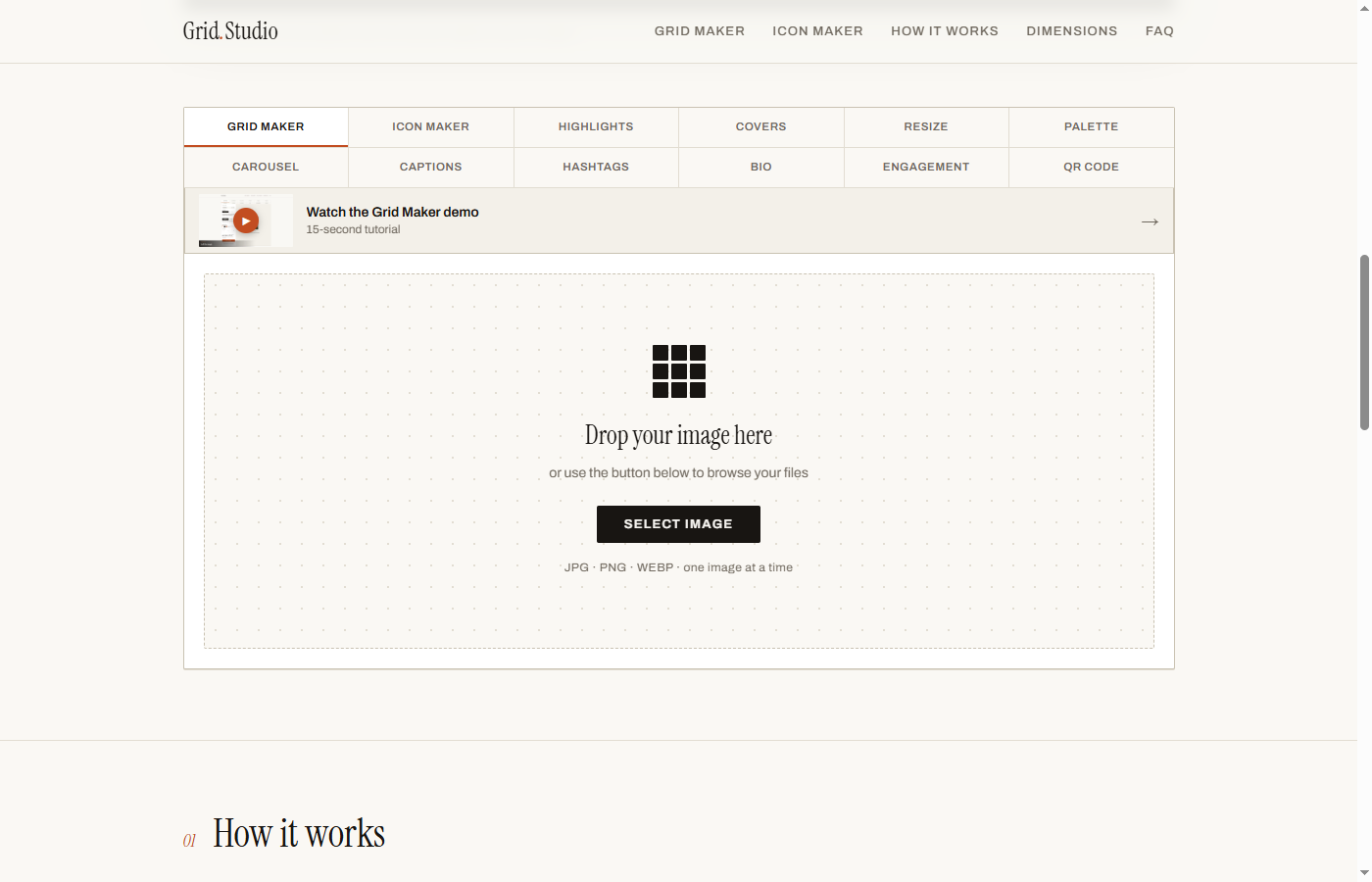
Grid Studio is a single self-contained web page holding twelve Instagram tools: seamless profile grids and panoramas, profile icons, Story highlight covers, Reels covers, no-crop resizing for five platforms, palette extraction, a text-to-carousel designer, caption and bio formatting that survives Instagram, a hashtag checker, an engagement calculator, and a QR generator. Every tool processes on the visitor's own device.
What was broken.
Instagram quietly rebuilt its profile grid in early 2025: thumbnails became 3:4 portrait, and every carefully planned square grid started cropping in ways its owner never chose. Creators who want a seamless grid, a clean profile icon, or a matching set of highlight covers are pushed toward web tools that demand an upload, an account, a subscription, or a watermark, sometimes all four.
For a branding studio the deeper problem is trust. Asking a creator to upload their unreleased campaign images to a stranger's server, just to slice them into tiles, is a bad trade. The images are the asset; they should never need to leave the device.
What was built.
Grid Studio answers with a single self-contained HTML page. All twelve tools run on the visitor's own machine: the browser reads the image, the canvas does the slicing, resizing, and rendering, and the ZIP is assembled locally. There is no backend, no login, and no watermark, because there is no server involved at all.
The tools encode real platform research, not guesses: grids export at Instagram\'s native 3:4 tile ratio (with an optional safe-edges method for 4:5 posts), captions and bios keep their blank lines using a character Instagram does not collapse, and the hashtag checker enforces the five-tag cap Instagram rolled out in December 2025. I built it as a portfolio piece and a lead generator for the studio: the tool is the proof, and the footer is the pitch.
One page, no server.
Fifteen seconds per tool.
Each tool has its own short silent tutorial with on-screen steps. Open only the one you need; videos stay unloaded until you choose to play them.
 Tool 01
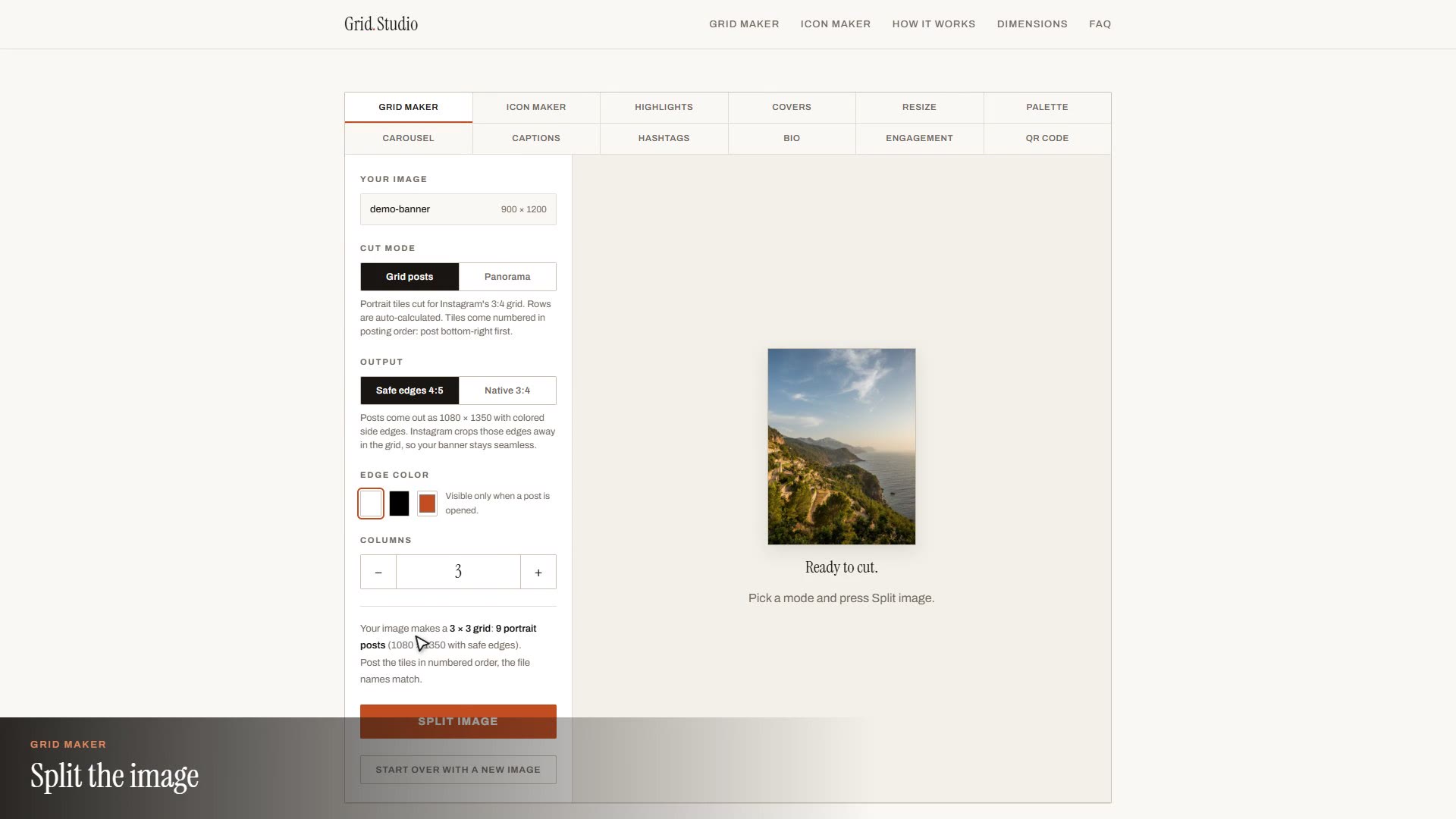
Grid Maker: one image into a seamless 3:4 grid
Tool 01
Grid Maker: one image into a seamless 3:4 grid
 Tool 02
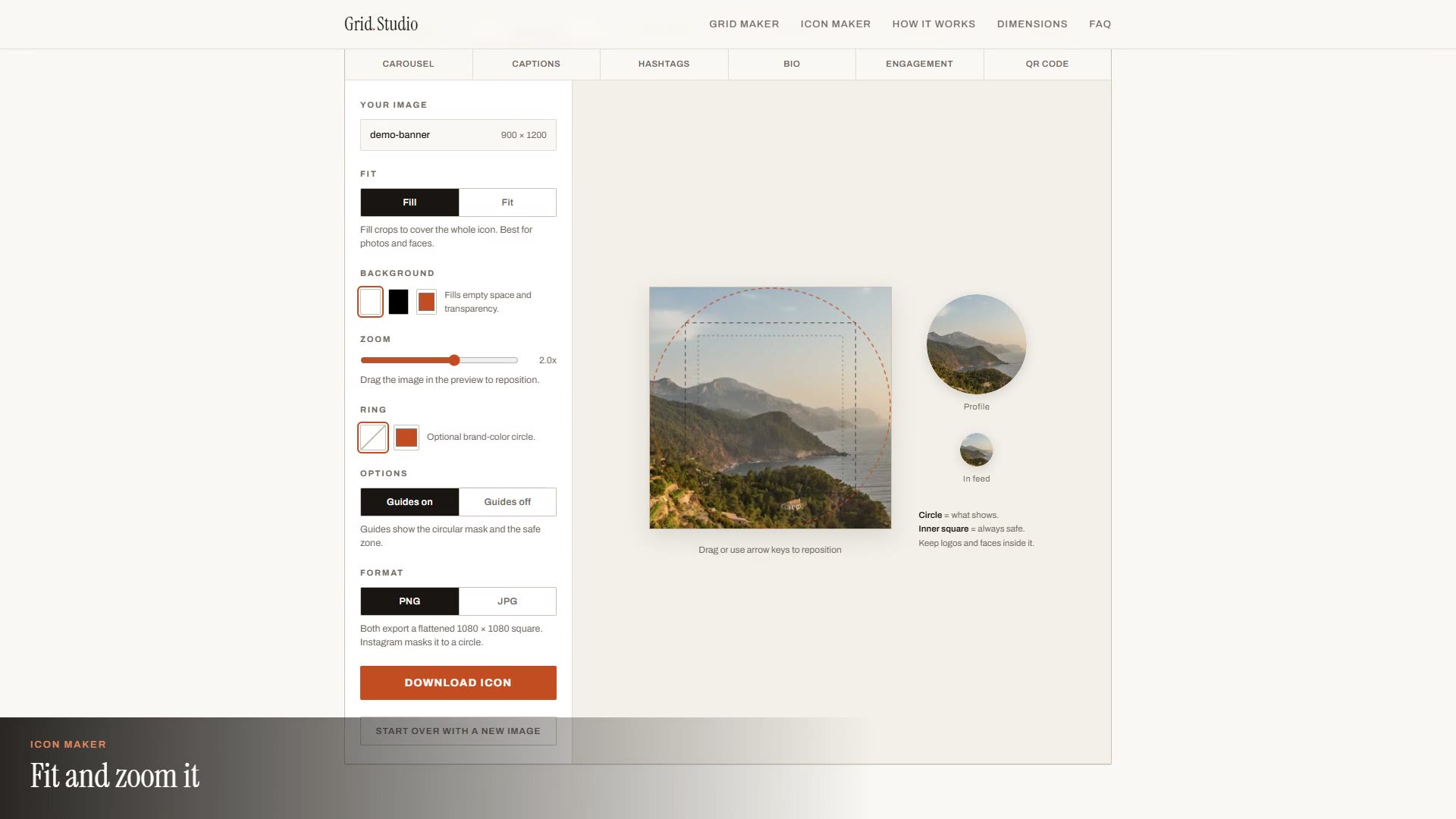
Icon Maker: any image into a clean profile picture
Tool 02
Icon Maker: any image into a clean profile picture
 Tool 03
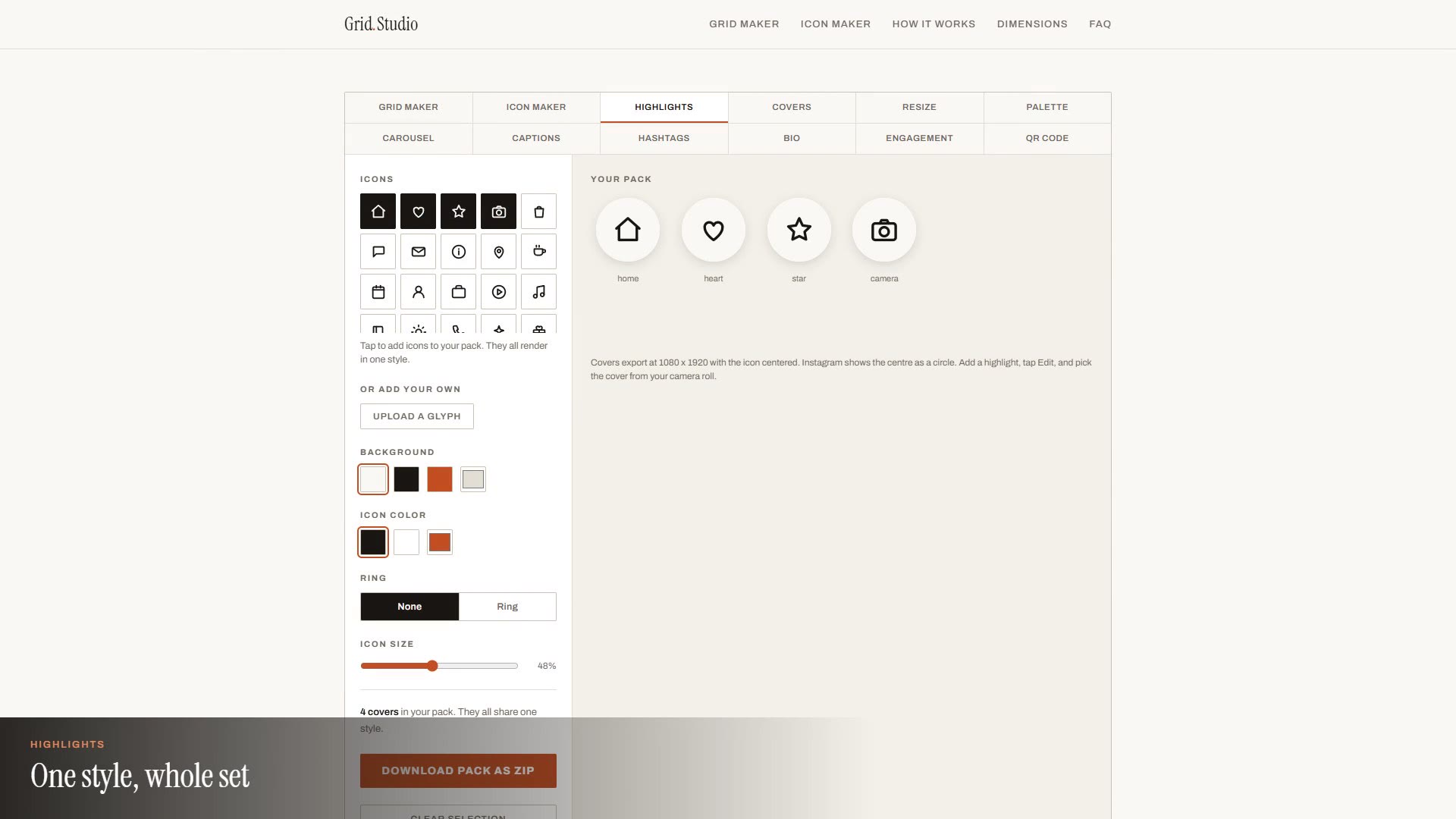
Highlights: a matching Story highlight cover pack
Tool 03
Highlights: a matching Story highlight cover pack
 Tool 04
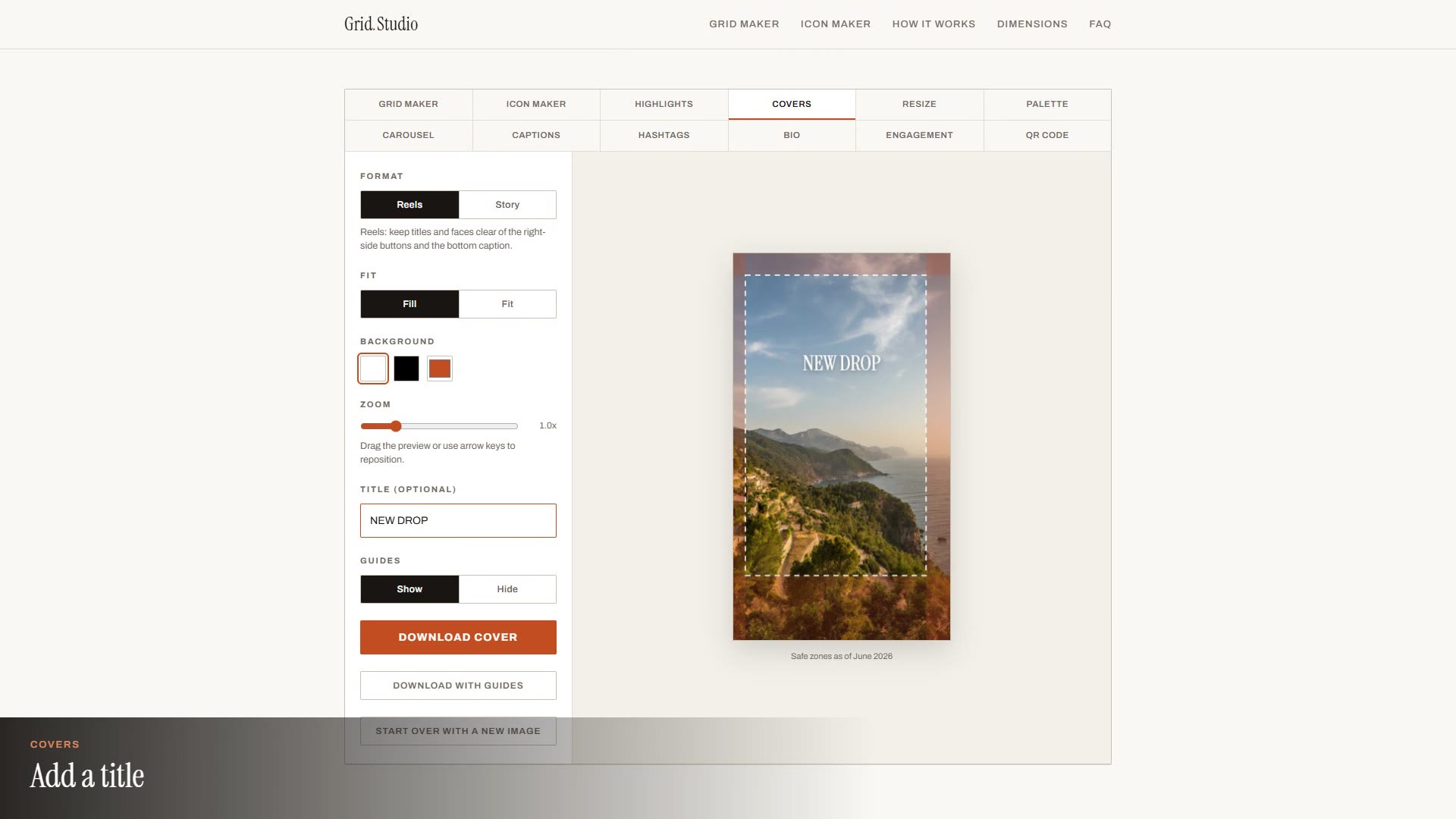
Covers: Reels and Story covers inside the safe zones
Tool 04
Covers: Reels and Story covers inside the safe zones
 Tool 05
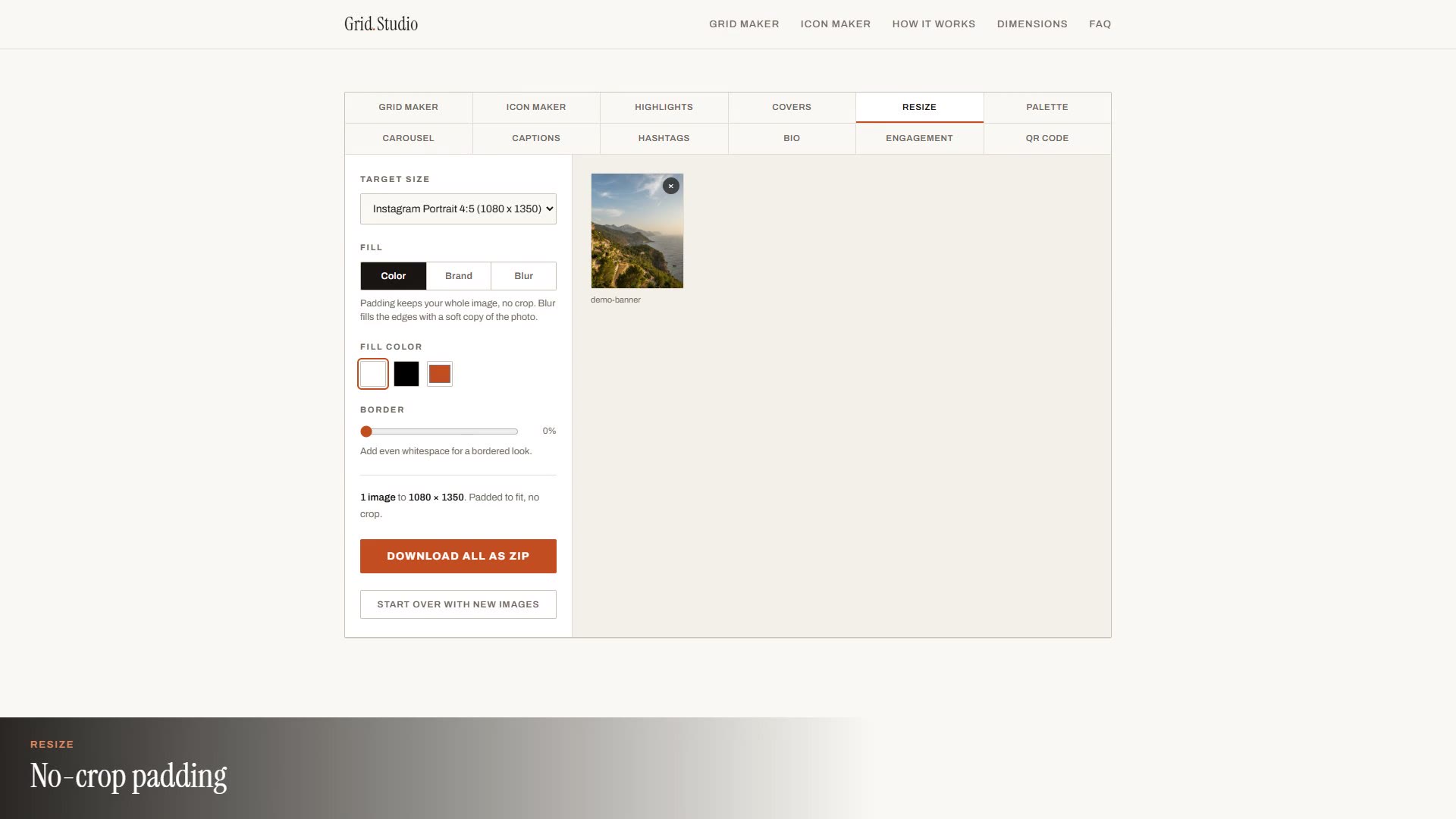
Resize: pad to any platform size without cropping
Tool 05
Resize: pad to any platform size without cropping
 Tool 06
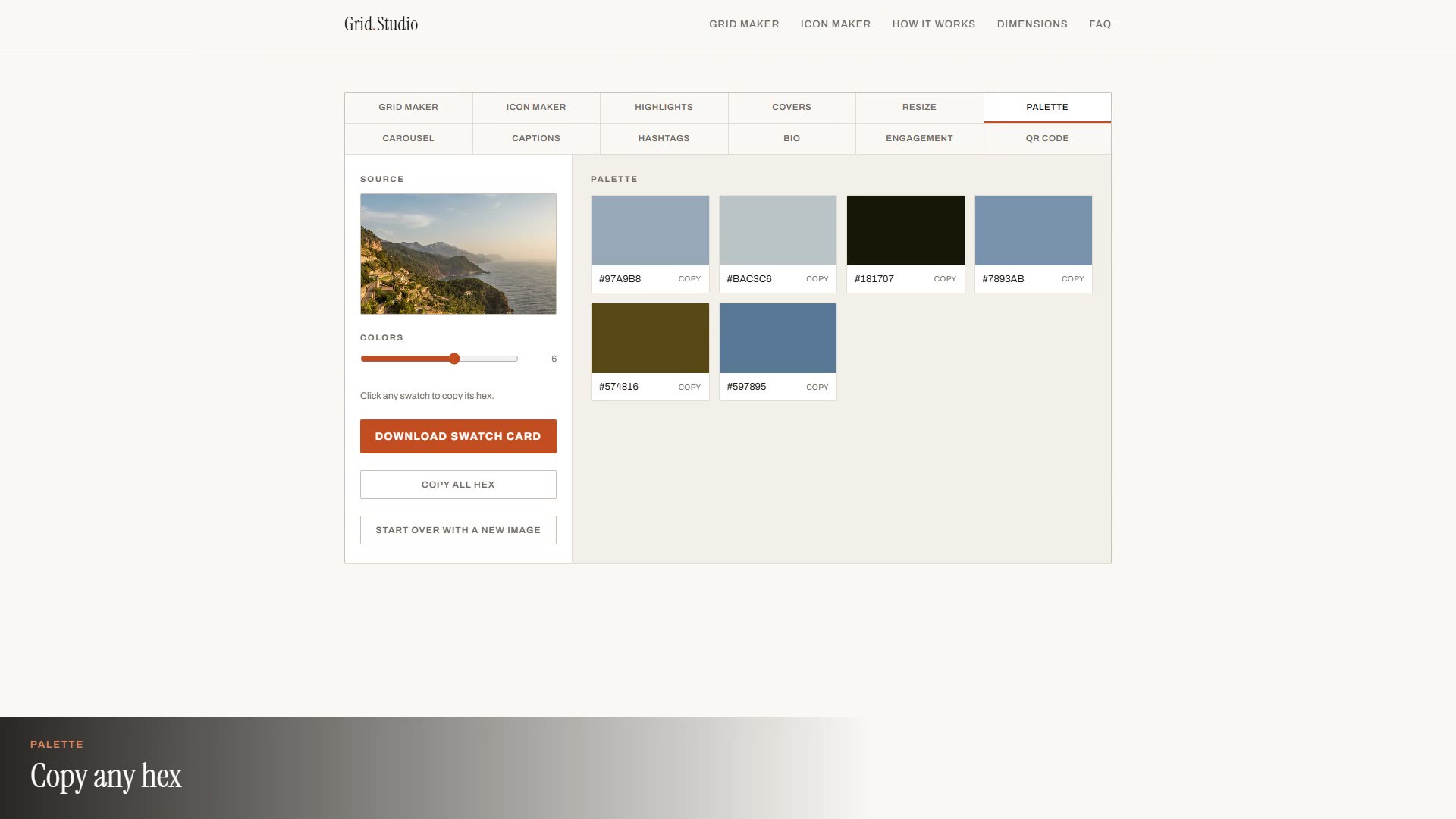
Palette: pull the dominant colors from any image
Tool 06
Palette: pull the dominant colors from any image
 Tool 07
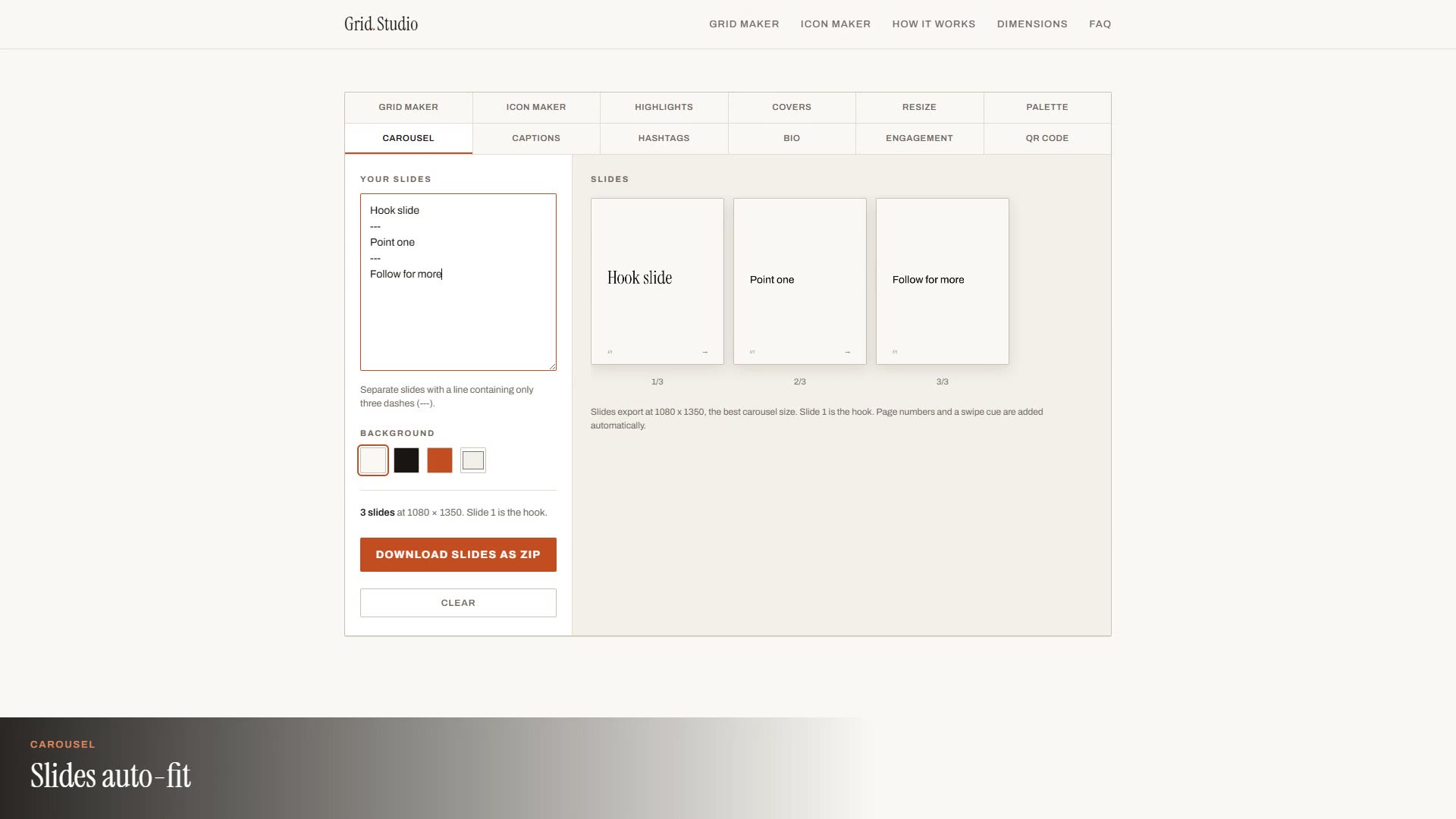
Carousel: typed slides into numbered 1080x1350 images
Tool 07
Carousel: typed slides into numbered 1080x1350 images
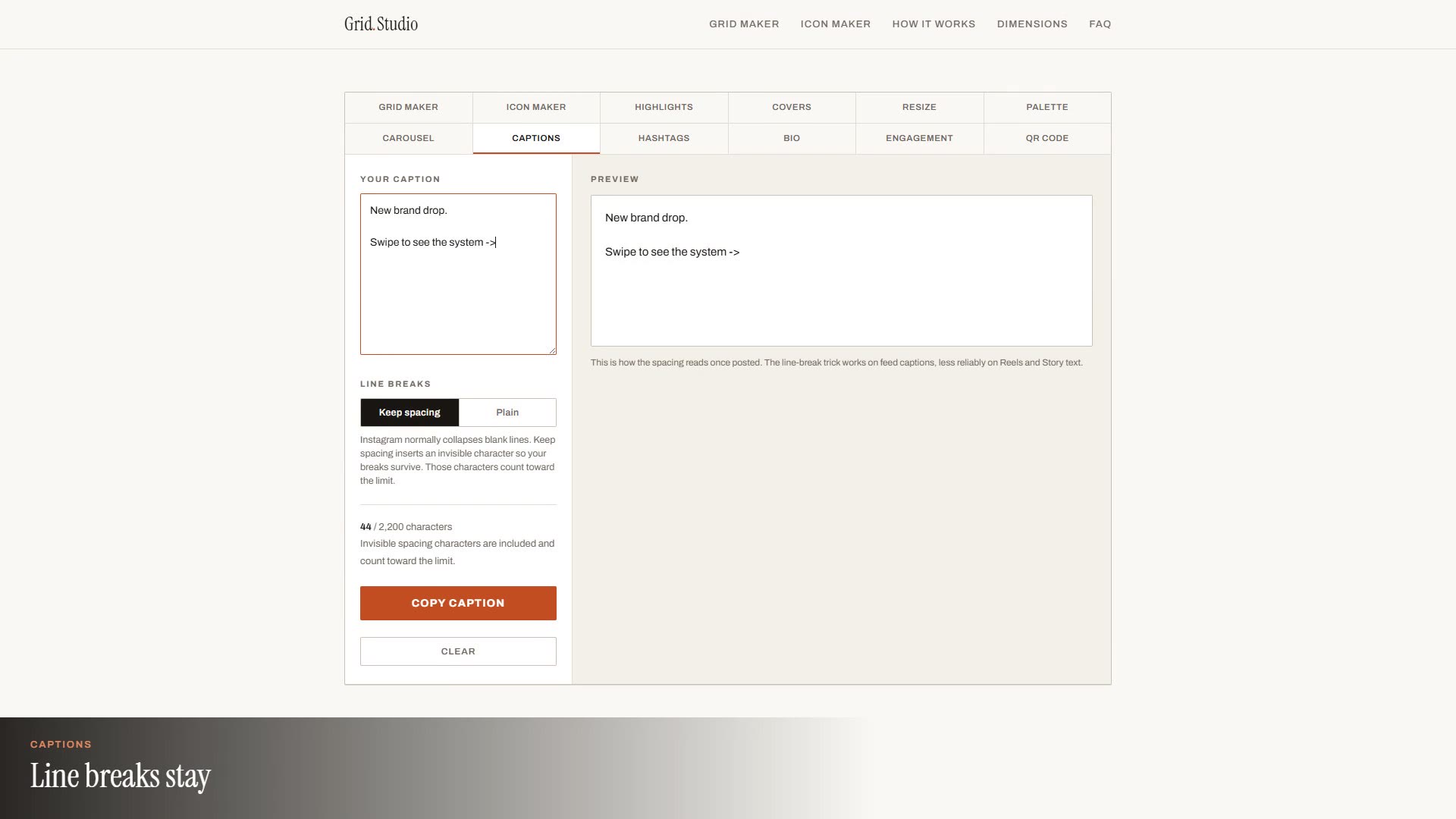 Tool 08
Captions: keep the line breaks Instagram collapses
Tool 08
Captions: keep the line breaks Instagram collapses
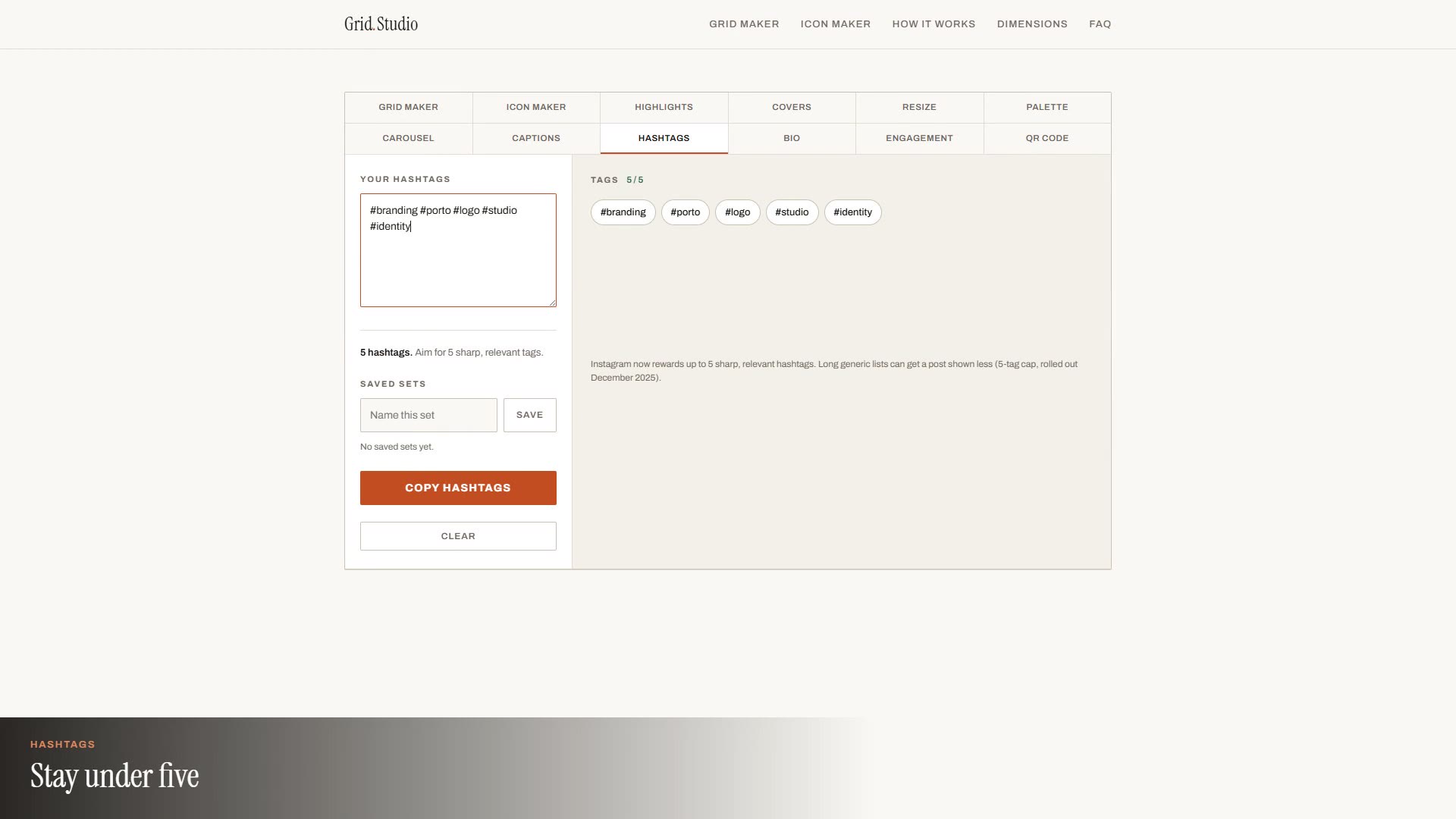 Tool 09
Hashtags: check sets against the five-tag cap
Tool 09
Hashtags: check sets against the five-tag cap
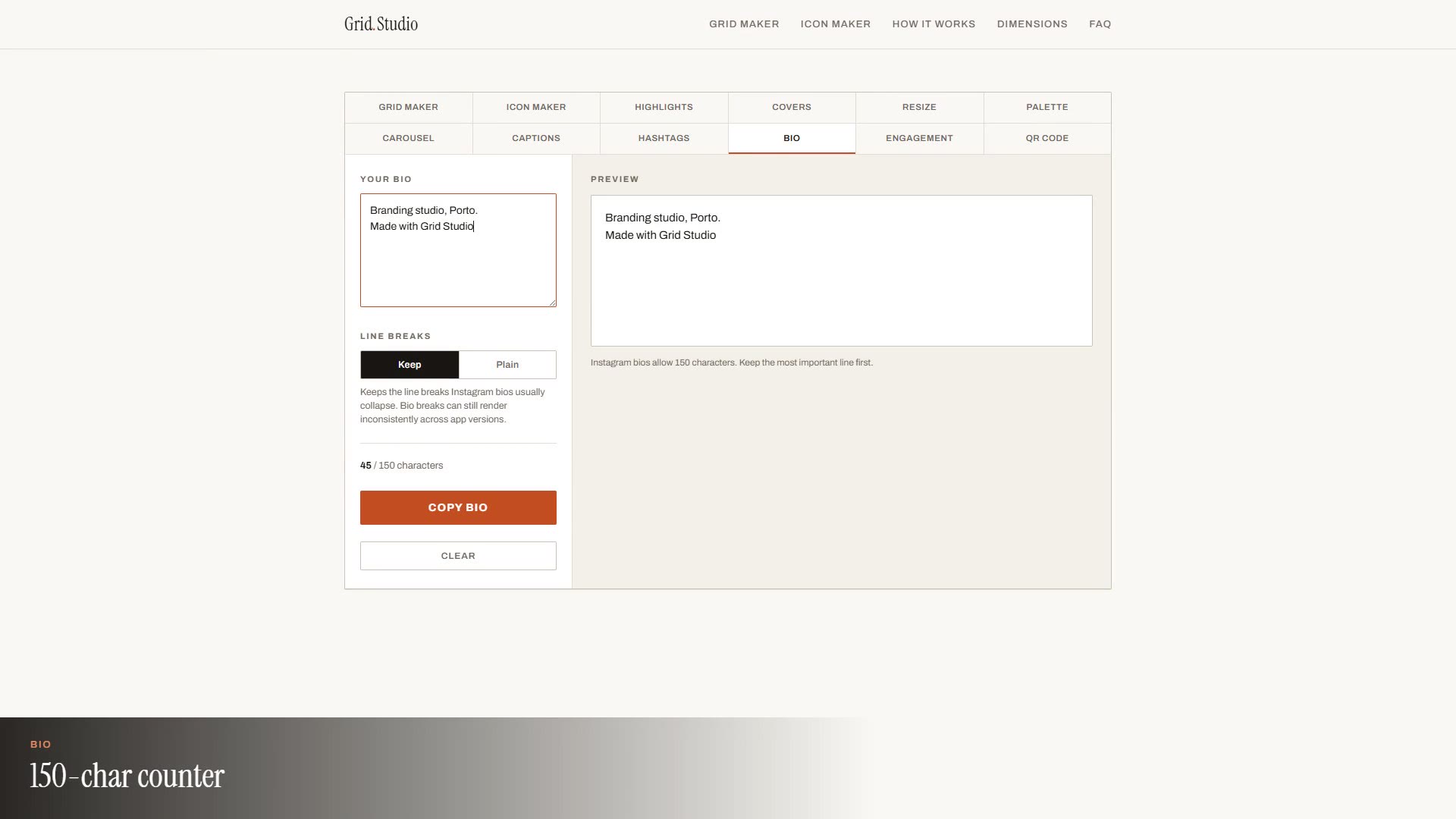 Tool 10
Bio: compose 150 characters with real line breaks
Tool 10
Bio: compose 150 characters with real line breaks
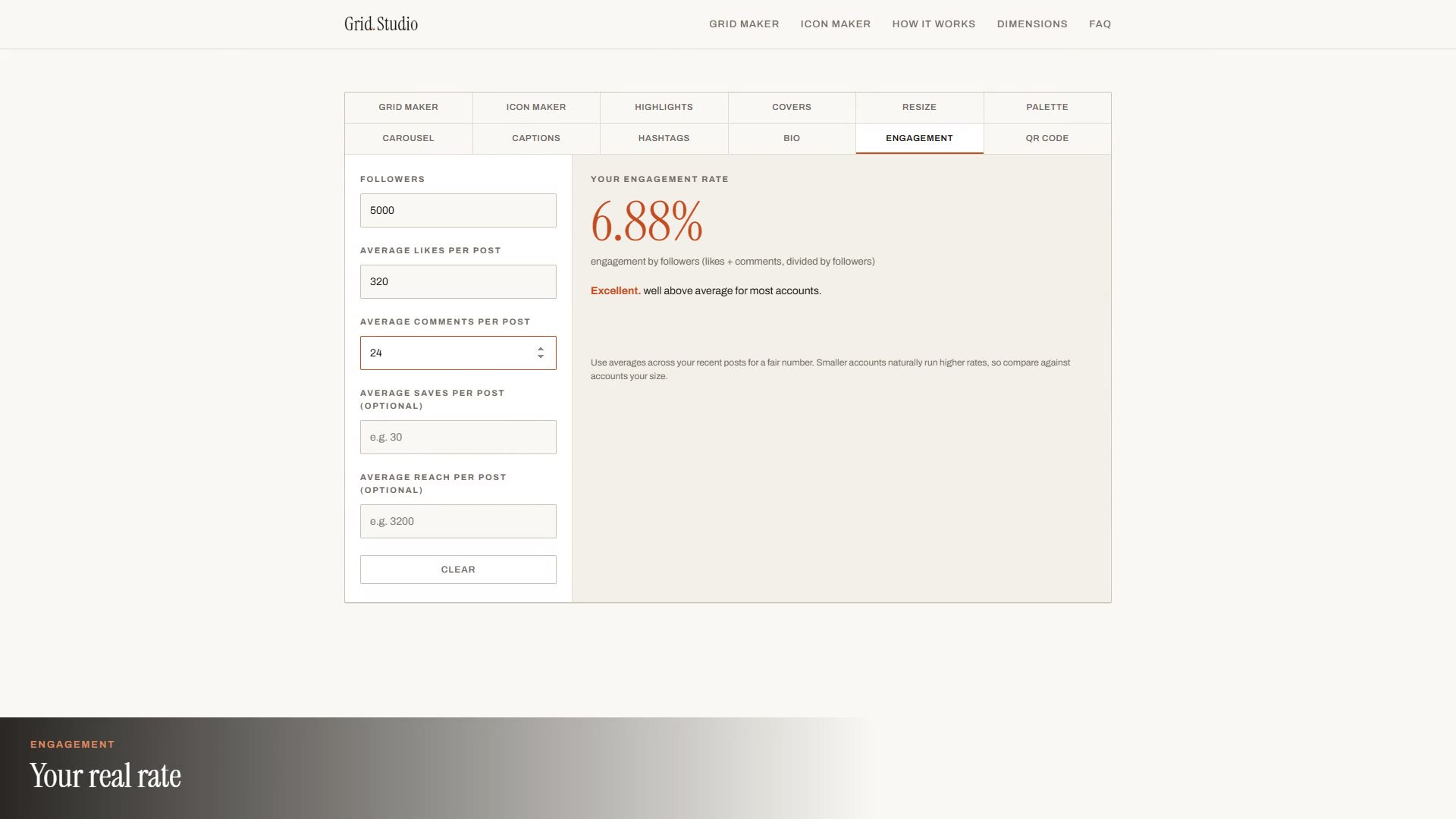 Tool 11
Engagement: honest rate math from your own numbers
Tool 11
Engagement: honest rate math from your own numbers
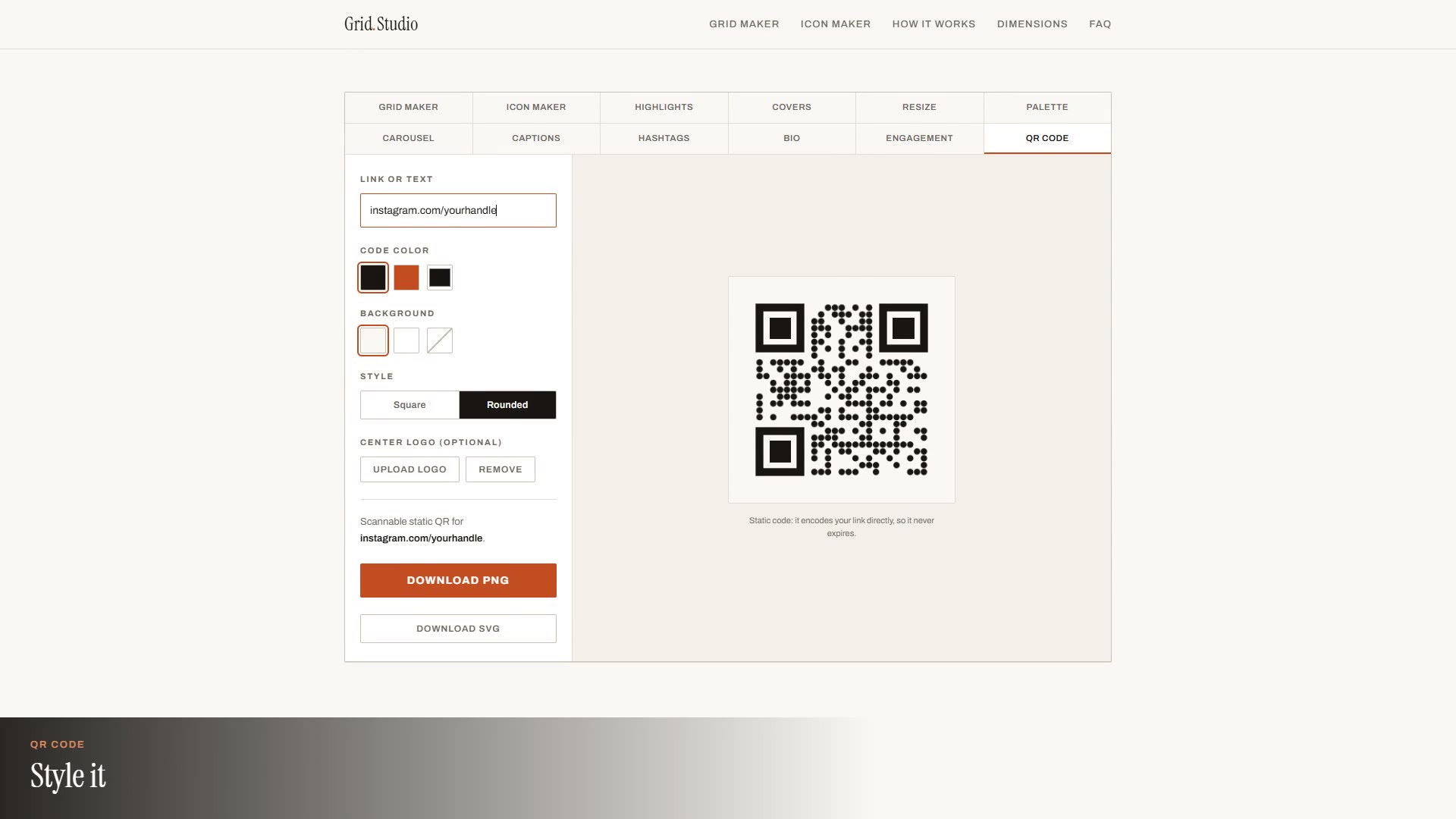 Tool 12
QR Code: an on-brand static code that never expires
Tool 12
QR Code: an on-brand static code that never expires
Built with.
What changed.
The single-file constraint is the product decision everything else follows from. Because the page has no backend, the privacy claim is architectural rather than promised: there is nowhere to upload an image to. It also makes the suite effortless to host, cache, and keep online for free, which is what lets every tool stay free with no account. Analytics are cookieless page counts only, so the page needs no consent banner.
Your images
stay yours.
Open Grid Studio and try any of the twelve tools right now. Nothing to install, nothing to sign up for, and nothing you make passes through a server.