Codex Sites looks easy to misunderstand. If you compare it only to Replit, Lovable, or Bolt, it can look like another way to prompt a small app into existence.
The more interesting version is different: Codex Sites can become a work surface that an agent keeps operating for you. Not just a static page. Not just a vibe-coded prototype. A small internal product with memory, bounded actions, reusable skills, review checkpoints, and a proof loop.
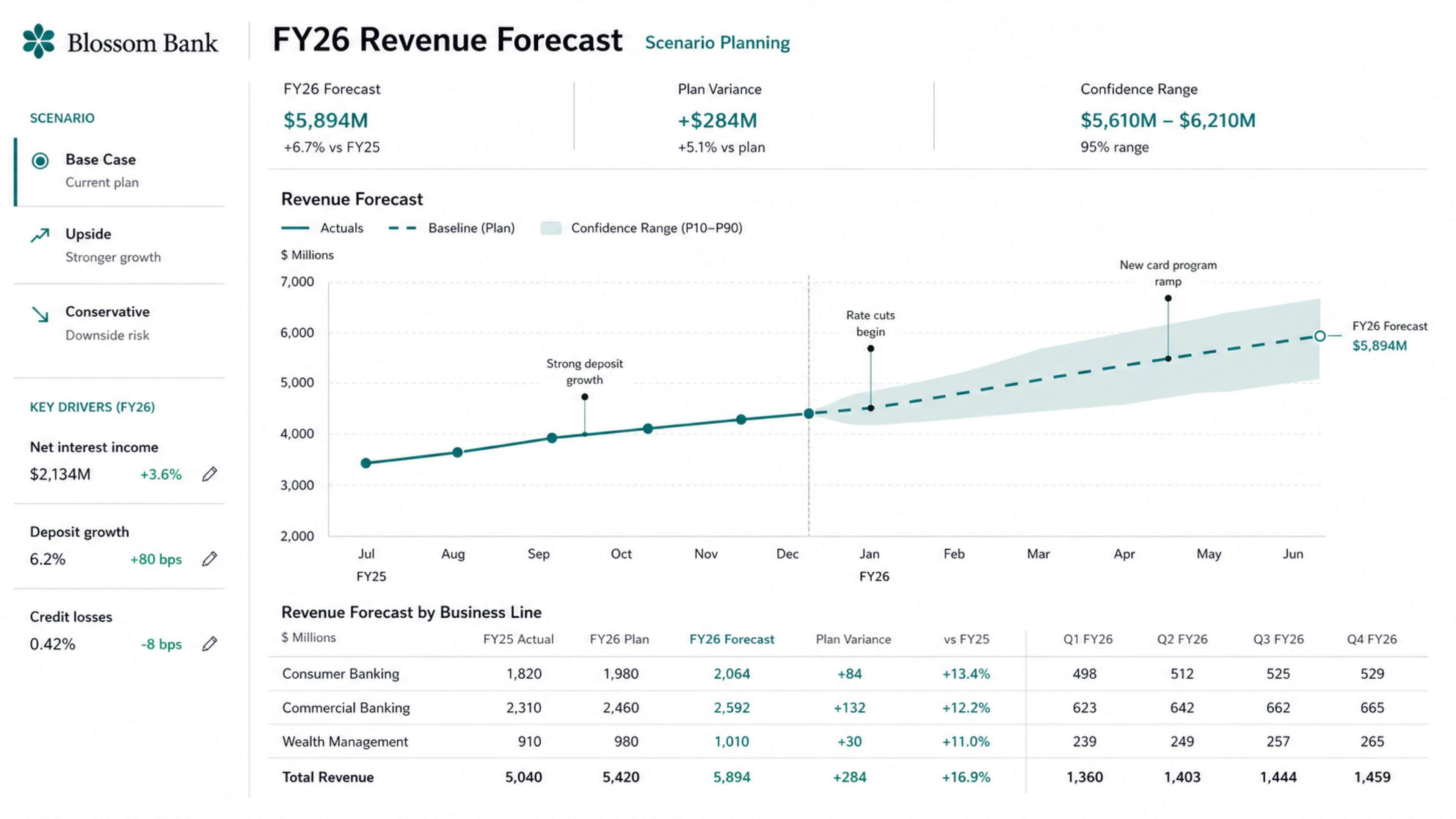
That is the useful pattern in the video: build the shell, add storage, define safe actions, create the admin skill, save before deploy, then prove a new chat can operate the app.
Source note
The video is a builder walkthrough and commentary source. The factual guardrails come from OpenAI's Codex Sites documentation, Codex plugin documentation, skills documentation, and the official Codex workflow announcement.
OpenAI describes Sites as a way for Codex to create, save, deploy, and inspect websites, web apps, and games hosted by OpenAI. The docs also say every Sites deployment URL is a production deployment, so the safe habit is to save a reviewable version before deploying.
Why Sites matters
The obvious use case is "make me a website."
The better use case is "make me a work surface."
A Codex Site can be a board, dashboard, planner, review hub, scoring tool, internal directory, prototype, lightweight CRM, research tracker, or admin surface. That matters because many AI workflows fail at the same point: the answer is trapped in a chat thread.
Sites gives the output somewhere to live. Skills tell Codex how to operate it later. Safe actions limit what the agent can change. Storage gives the app memory. Save-gates keep you from publishing a half-tested version.
That is the difference between a demo and a small operating system.
Sites vs Replit and Lovable
Replit, Lovable, Bolt, and similar tools are excellent when you want a bundled app-building experience. They often give you an editor, app scaffolding, database, hosting, deployment, and sometimes domain setup inside one flow.
Codex Sites is less about replacing those tools for every user and more about meeting builders who already live in Codex.
| Use case | Better default | Why |
|---|---|---|
| One-prompt public app idea | Replit, Lovable, or Bolt | The full app-building stack is bundled and beginner-friendly. |
| Internal tool connected to Codex context | Codex Sites | The app can live beside Codex threads, plugins, skills, review, and agent workflows. |
| Self-updating board or dashboard | Codex Sites plus storage and safe actions | The agent can operate the app later through bounded actions. |
| Production SaaS with payments and public domain | Depends on stack maturity | You still need careful auth, database, payments, analytics, secrets, deployment, and support design. |
The practical read: use Codex Sites when the app is part of an agent workflow, not only when you need a pretty frontend.
The six-prompt workflow
The video builds a "Startup Ideas OS": a board with columns like inbox, researching, validating, building, and killed. Each card carries the idea, buyer, pain, proof, next step, and score.
The exact board is just an example. The reusable workflow is the important part.
- Build the shell. Use
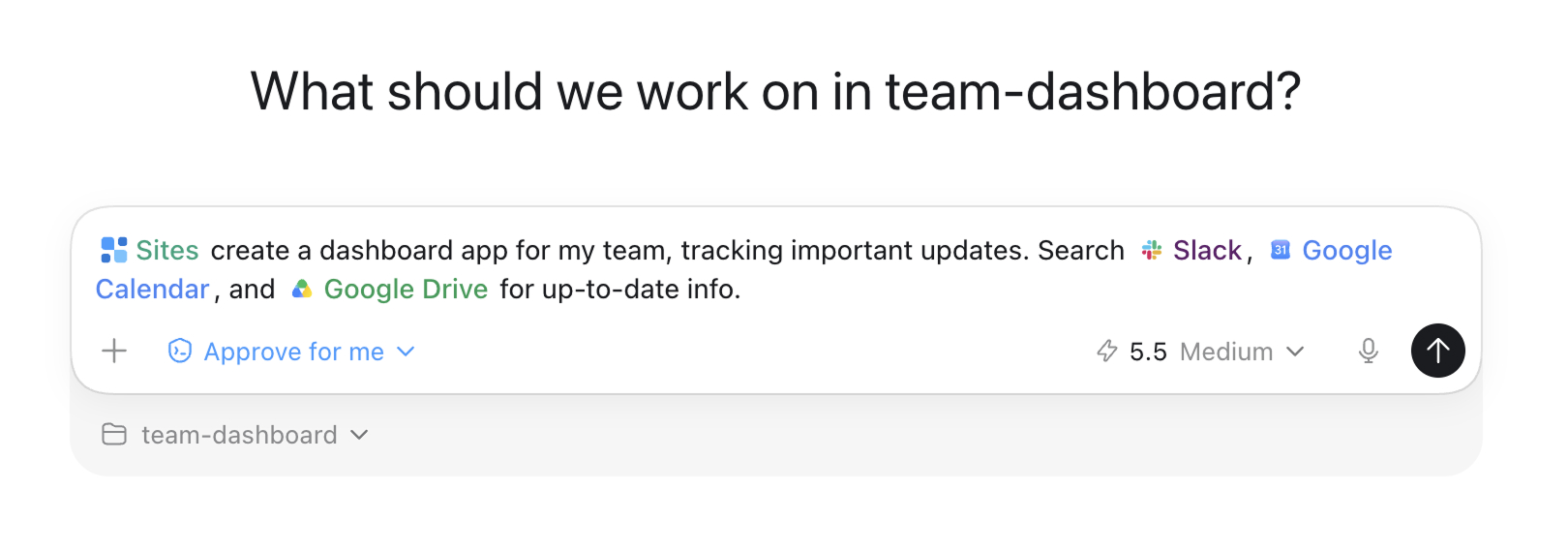
@Sites, describe the app, ask for realistic sample data, and save for review rather than deploying immediately. - Add memory. Ask for persistent storage and request the data model before coding.
- Create safe actions. Convert broad app changes into named operations like add, update, move, score, and archive.
- Create an admin skill. Give future Codex chats a reusable instruction manual for operating the app.
- Save-gate. Save a named review version, confirm build status, storage choice, access setting, and exact version.
- Prove the loop. Start from a new chat and verify that Codex can use the skill and safe actions to update the live app.
A starter prompt for the shell:
@Sites Build a Startup Ideas OS board.
Columns: inbox, researching, validating, building, killed.
Each card needs idea, buyer, pain, proof, next step, and score.
Use realistic sample data.
Save for review. Do not deploy yet.
That final line is not cosmetic. It is a deployment safety habit.
Memory and storage
The transcript makes a simple point: without persistence, the site is only a demo. If the app should remember ideas, statuses, scores, users, history, or files, you need durable storage.
OpenAI's Sites docs map different needs to different shapes. Saved records, user progress, or game scores should use D1, a relational database for durable structured data. Uploaded images, documents, audio, video, or other files should use R2 object storage. Uploaded files with searchable metadata need both D1 and R2.
Ask for the data model before implementation:
Add persistent storage so ideas stay saved between visits.
Before coding, show me:
1. the records the app needs,
2. the fields on each record,
3. the actions the app needs,
4. the storage choice and why.
This forces Codex to expose the shape of the product before it writes code. That one step catches a lot of messy app builds early.
Safe actions
Safe actions are the difference between "the agent can do anything" and "the agent can do these approved things."
For the Startup Ideas OS example, the useful actions are obvious after the data model:
- list ideas;
- add idea;
- update idea;
- move idea;
- score idea;
- archive idea.
The point is not the names. The point is the boundary. The agent should call named mutations instead of getting arbitrary database rights.
A useful safe-action prompt:
Create safe actions for this app.
Use the data model you proposed.
The agent should only call named mutations.
Do not give it arbitrary SQL or broad database rights.
Show me the action names, inputs, validation, and failure behavior before coding.
This is the same architecture principle behind good agent systems in general: action space matters. A smaller, well-designed action space is often better than raw power.
Skills make future chats useful
Codex skills package instructions, resources, and optional scripts so Codex can follow a workflow reliably. OpenAI's docs describe skills as the authoring format for reusable workflows, while plugins are the installable distribution unit for reusable skills and apps.
In the video, the skill is called startup ideas admin. Its job is to teach future chats how to operate the board: read it, add ideas, move cards, score ideas, archive ideas, and use example commands.
A skill prompt:
Create a Codex skill called startup ideas admin.
It should explain:
- how to read the board,
- how to add ideas,
- how to move cards,
- how to score ideas,
- how to archive ideas,
- which safe actions to use,
- five example commands.
This is where a Codex Site starts to become an operating surface. A future chat can say "add this idea to my Startup Ideas OS" and the skill gives Codex the procedure.
Save-gates are checkpoints
The video uses the right metaphor: treat save-gates like video-game checkpoints.
OpenAI's Sites docs split publishing into two stages:
- Save a version. Build the deployable site and associate that version with the source Git commit. Use this for review.
- Deploy a version. Publish a saved version and report the production URL. Use this only when the intended audience should access it.
A save-gate prompt:
Save this as v1 review.
Do not deploy.
Confirm:
- build status,
- storage choice,
- access setting,
- database migrations,
- the exact saved version I should review.
This is especially important because OpenAI docs say every Sites deployment URL is a production deployment. A private-feeling URL is still a real deployment.
Prove the loop from a new chat
The most important part of the workflow is not publishing. It is proving the loop.
A proof loop asks: can a fresh Codex chat operate the app using the skill and safe actions, without the original chat context doing all the work?
Example:
In a new chat, use the startup ideas admin skill.
Add this startup idea to the inbox:
"AI agent SEO grader for local businesses."
Give it a first-pass score and a next step.
Use only the safe board API.
Then read the board again to verify it was added.
This proves three things:
- the app has durable storage;
- the skill is usable outside the original build chat;
- the agent can operate through safe actions rather than raw edits.
That is the real unlock. Not "I built an app." More like: "I built a tool that an agent can keep maintaining."
Builder checklist
Before you trust a Codex Site to work for you, run this checklist:
- Product shape: Is this a content site, dashboard, admin tool, board, planner, game, or app?
- Storage: What records must persist between visits?
- Files: Does the app need uploaded assets or only structured data?
- Actions: What named operations should the agent be allowed to perform?
- Skill: Does a future Codex chat know how to operate the app?
- Access: Is the audience owner-only, admins-only, workspace-wide, custom, or public?
- Secrets: Are runtime secrets configured through Sites rather than committed to source?
- Review: Did you inspect source changes, migrations, and saved versions before deployment?
- Proof: Can a new chat operate the app using only the skill and safe actions?
- Automation: If an agent updates it on a schedule, what logs and review gates exist?
CTA: Do not deploy the first pretty Codex Site. Add storage, safe actions, a skill, a save-gate, and a proof loop before you trust it to work for you.
Sources
- YouTube video: OpenAI Codex: Build Apps That Work For You 24/7
- OpenAI Codex docs: Sites
- OpenAI Codex docs: Plugins
- OpenAI Codex docs: Skills
- OpenAI Codex docs: Agent approvals and security
- OpenAI: Codex for every role, tool, and workflow
Codex Sites is most interesting when you stop thinking about pages and start thinking about agent-operable products. The app is the surface. The memory, safe actions, skills, and proof loop are the system.