Codex is starting to look less like a coding tool and more like the place where computer work gets packaged, reviewed, shared, and maintained.
That is the real signal in the video. Yes, the headline is "Codex is coming into ChatGPT." But the deeper move is bigger: OpenAI is turning Codex into a general work surface for agents, plugins, role workflows, annotations, and now Sites.
In plain English: ChatGPT is the front door, Codex is becoming the execution surface, and plugins are becoming the way business work gets installed.
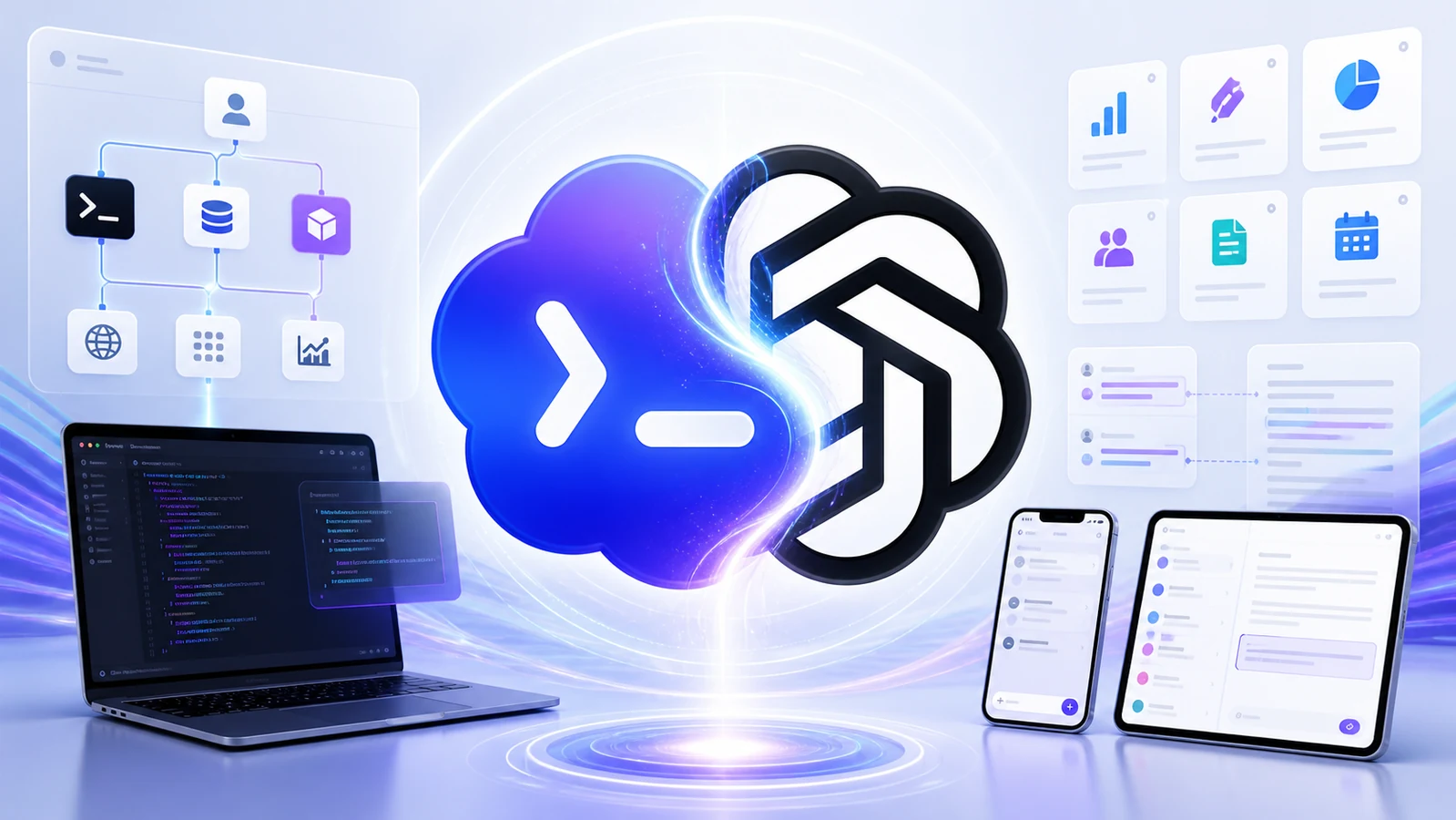
I also posted a visual carousel about this on X. The images below are the same carousel assets, adapted here as part of the article.
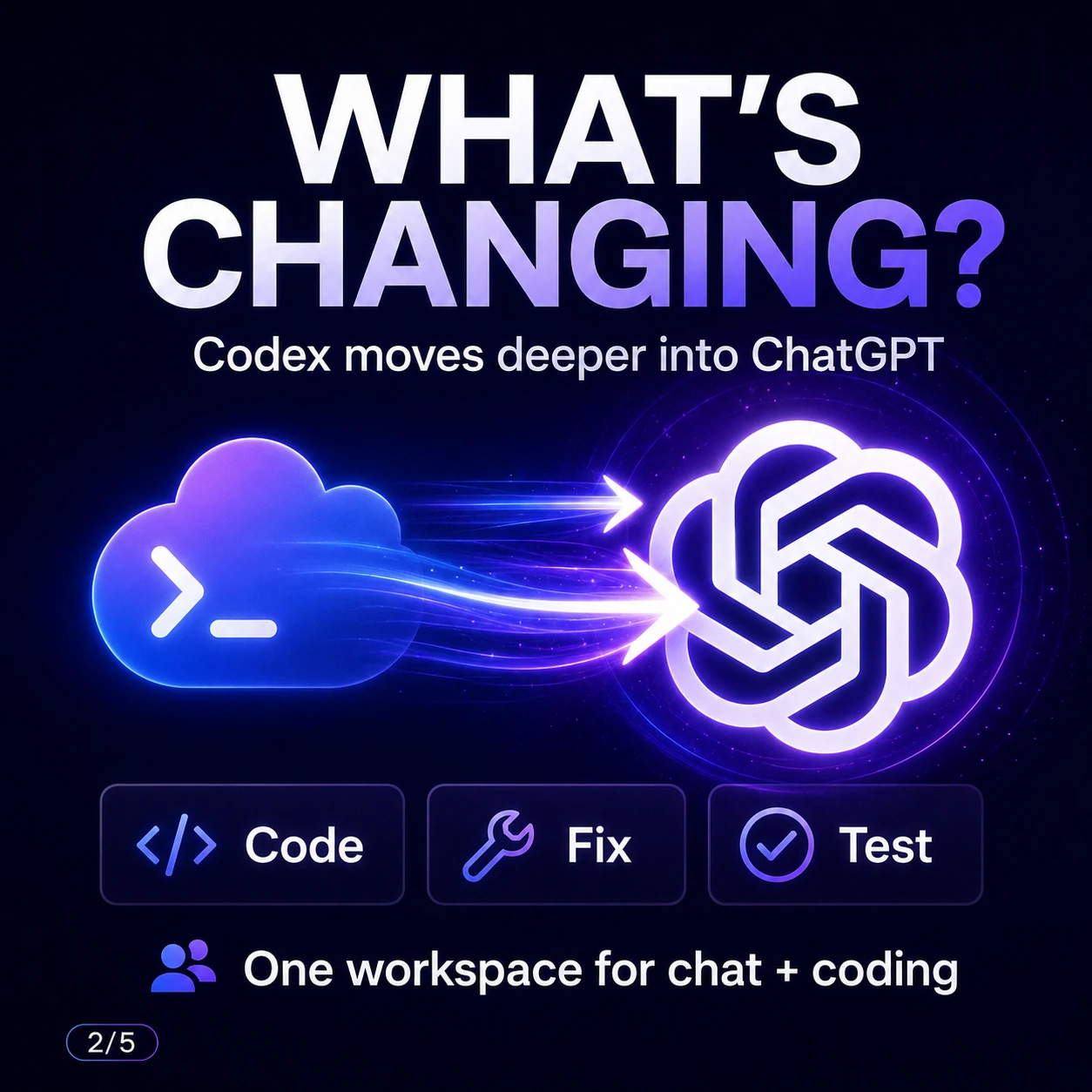
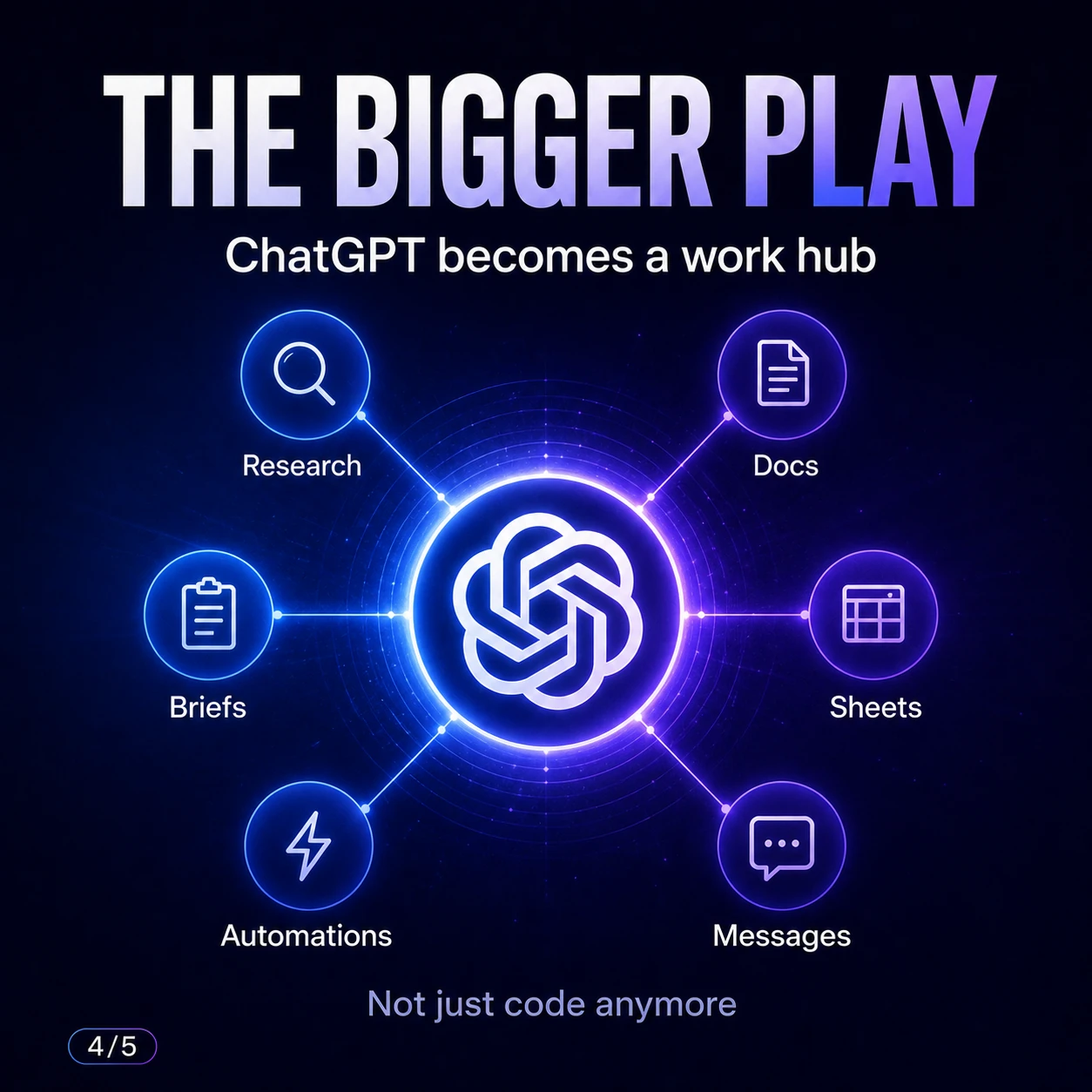
Carousel source: Joao Queiros on X.
Source note
The YouTube video is commentary. The factual spine of this post comes from OpenAI's official June 2, 2026 announcement, Codex developer documentation for plugins and Sites, and OpenAI Help Center guidance on plugin permissions.
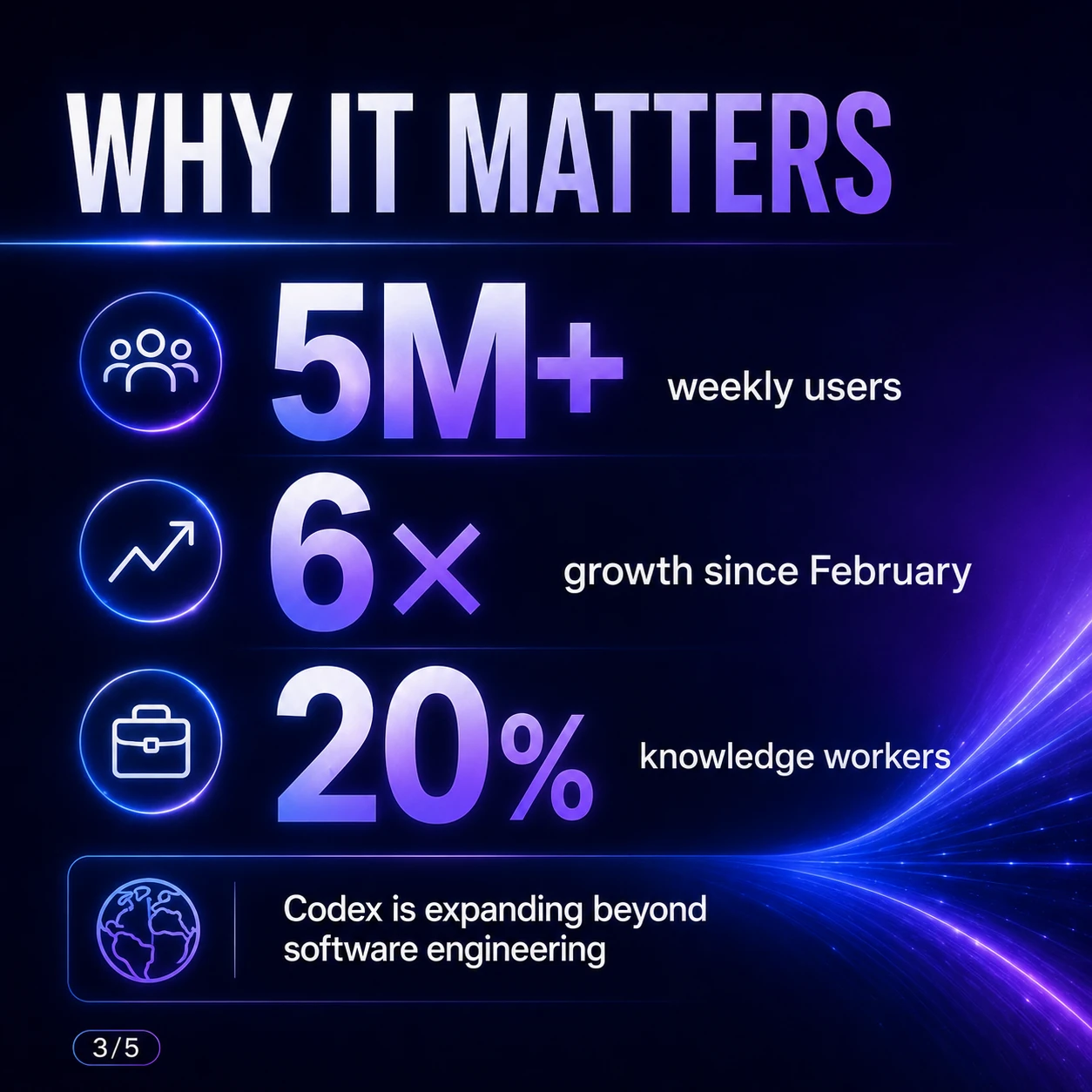
The official OpenAI post says Codex now has more than 5 million weekly users, started as a software-development tool, and is increasingly being used for other work. It also says non-developers make up about 20 percent of overall Codex users and are growing more than 3x as fast as developers.
I will treat the strongest product claims carefully. OpenAI publicly describes plugins, Sites, and annotations. The video also interprets these announcements as Codex moving into ChatGPT and becoming a "super app" for work. That direction is plausible and partly supported by OpenAI's statement that partners will be able to create and deploy plugins directly in Codex and ChatGPT, but exact rollout details still matter.
OpenAI's Intelligence at Work livestream
OpenAI's Intelligence at Work livestream is useful context for this post because the framing is almost exactly the shift described here: enterprise AI moving into teams, workflows, and systems rather than staying as a general chatbot.
OpenAI hosts the recording on its own site and does not allow it to be embedded elsewhere. Watch the Intelligence at Work livestream on openai.com.
What changed
OpenAI's announcement has three big parts:
- Role-specific plugins: packaged Codex workflows for data analytics, creative production, sales, product design, public equity investing, and investment banking.
- Sites: a preview feature where Codex can create and share hosted interactive websites and apps for a workspace.
- Annotations: a way to point at the exact part of a Codex-created deliverable and ask the agent to explain or edit it.
That might sound like a bundle of features. It is not. It is a new product shape.
A normal chatbot gives you text. A coding agent edits files. A workspace agent produces artifacts: dashboards, decks, sites, spreadsheets, prototypes, briefs, plans, records, and follow-ups. Then it keeps those artifacts editable.
That is why this matters for JQ AI SYSTEMS readers. If Codex becomes a general work surface, then the value is not only "AI can code." The value is "AI can turn context into a working deliverable and keep it connected to the workflow."
Why ChatGPT matters
Codex already had many of the ingredients: local projects, cloud tasks, mobile steering, plugins, skills, subagents, automations, review surfaces, and now Windows-native execution.
ChatGPT has the audience, identity, business workspaces, app connections, and daily habit. Putting more Codex behavior behind ChatGPT changes the audience from "developers who chose a coding agent" to "workers who ask ChatGPT to get something done."
That is a serious difference.
| Old mental model | New mental model |
|---|---|
| Open Codex when you need code | Use Codex when work needs files, tools, state, and review |
| Use ChatGPT for answers | Use ChatGPT as the front door to agent work |
| Ask for a draft | Ask for a deliverable that can be edited, shared, and maintained |
| Prompt from scratch | Install the right workflow package, then give it a goal |
This is also why I think agent workspaces matter more than AI browsers. The browser is one surface. The work platform is the place where context, files, tools, permissions, artifacts, and review all meet.
Role plugins are workflow packaging
OpenAI says each role-specific plugin bundles relevant apps, skills, instructions, and workflows. Together, the six announced plugins include 62 popular apps and 110 skills.
The categories are telling:
- Data analytics: answer business questions, explore data, explain metric changes, create reports and dashboards.
- Creative production: turn briefs into campaign boards, ad variations, lifestyle shots, and ecommerce image sets.
- Sales: bring customer context into meeting prep, follow-ups, CRM updates, close plans, and risk reviews.
- Product design: turn ideas into prototypes, audit flows, and make static screenshots interactive.
- Public equity investing: review earnings, compare companies, track signals, and test investment theses.
- Investment banking: prepare pitch materials, analyze comparables and transactions, and turn diligence into recommendations.
This is the same pattern I wrote about in AI Plugins Are Becoming the New Workflow Layer. A useful plugin is not just "a connector." It is a packaged way of working.
The best plugin answers four questions:
- What context should the agent load?
- What tools is it allowed to use?
- What does a good deliverable look like?
- Where does the human review happen?
That is why role-specific plugins are dangerous to ignore. They are not only feature bundles. They are operating procedures with software attached.
Sites makes vibe coding a work format
Sites may be the biggest practical shift in the announcement.
OpenAI's Codex docs say Sites lets Codex create, save, deploy, and inspect websites, web apps, and games hosted by OpenAI. The docs also warn that every Sites deployment URL is a production deployment, so if you want to review first, you should ask Codex to save a version without deploying it.
That detail matters. Sites is not only "make a webpage." It is a deployment path.
OpenAI describes examples like customer review sites, scenario planners, launch hubs, event operations dashboards, product launch hubs, and revenue forecast planners. This is where "vibe coding" becomes a normal business format:
- Instead of a spreadsheet, build a scenario planner.
- Instead of a slide deck, build a launch hub.
- Instead of a PDF report, build a dashboard people can filter.
- Instead of a long meeting doc, build a workspace that tracks owners, status, and decisions.
The video frames this as a Replit and Lovable pressure point. I agree directionally, with a caveat: early Sites is not the same as a mature public app platform for every use case. But for internal tools, dashboards, prototypes, and review workspaces, it is extremely relevant.
Annotations are the review loop
The first draft is rarely the final output. That is true for code, copy, dashboards, slides, creative assets, and financial models.
OpenAI says annotations let you point to the exact part you want to refine and tell Codex what needs to change. The official example set includes selecting a navigation bar in a site, highlighting a claim in an investment thesis, or marking a chart on a slide.
This is more important than it looks.
Chat is a bad interface for precise feedback. "Make the chart clearer" is ambiguous. Pointing directly at the chart and saying "rename this axis, make the baseline visible, and keep the rest unchanged" is much closer to how people review work in Figma, Google Docs, Canva, PowerPoint, and spreadsheets.
That means Codex is not only generating artifacts. It is becoming the review and iteration surface around them.
Why people call this a startup killer
The video uses the phrase "startup killers," and I understand why.
A lot of AI startups are wrappers around a single workflow:
- AI for sales prep.
- AI for financial reports.
- AI for creative variations.
- AI for product prototypes.
- AI for decks.
- AI for dashboards.
If OpenAI can package those same workflows as first-party Codex plugins, the wrapper gets squeezed.
But this does not kill every startup. It kills weak positioning. The companies that survive will probably have one of these advantages:
- deep proprietary data;
- workflow-specific distribution;
- regulated-domain trust;
- human service wrapped around the tool;
- better collaboration for a niche team;
- better permissioning, audit, and governance;
- a vertical workflow OpenAI cannot or will not maintain deeply.
For builders, the lesson is simple: do not build a thin prompt wrapper and hope the platform never notices. Build around a hard workflow, a clear buyer, owned context, and measurable outcomes.
Builder checklist
If Codex is becoming a work platform, small teams should not react by connecting every tool immediately. That is how you create permission soup.
Start here:
- Pick one role. Sales, operations, marketing, finance, support, product, or research.
- Pick one repeatable deliverable. Weekly report, customer review, proposal, campaign board, deal brief, launch hub, or dashboard.
- Map the source systems. CRM, spreadsheet, docs, email, Slack, warehouse, folder, ticket system.
- Define what the agent can read. Start narrow.
- Define what it can change. Draft-only is very different from write access.
- Define the artifact. Document, sheet, deck, site, app, dashboard, or task list.
- Use annotations for review. Make the human feedback precise.
- Save versions before deploying Sites. Treat every deployment URL as real.
- Keep logs. Know what the agent read, wrote, changed, and proposed.
- Measure the workflow, not the model. Time saved, errors reduced, follow-up speed, conversion rate, decision quality.
A good first prompt for a business workflow:
I want to turn one repeatable workflow into a Codex-ready agent workflow.
The workflow is: [describe it].
First, interview me.
Find the source systems, required context, deliverable format,
review gates, risky actions, and what "done" should mean.
Do not connect tools or make changes yet.
A good Sites prompt:
@Sites Build a review-only internal dashboard for [team].
Audience: [who will use it].
Data: [what data it should use].
Core actions: [filter, sort, comment, approve, export].
Keep access limited to owner/admins first.
Save a deployable version for review before deploying.
CTA: Do not ask whether Codex is still for coding. Ask which repeatable work surface you want the agent to own, and design the context, permissions, artifact, and review loop around that.
For a concrete small-team version of that review loop, see Codex Control Center. It packages local Codex observation, workspace selection, usage signals, task approvals, results, and publish checks into one dashboard. The build guide turns the same pattern into a reusable prompt for local AI agent control centers.
Sources
- YouTube video: OpenAI just showed where Codex is going
- Riley Brown
- Chorus
- OpenAI: Codex for every role, tool, and workflow
- OpenAI: Intelligence at Work livestream
- OpenAI Codex docs: Plugins
- OpenAI Codex docs: Sites
- OpenAI Help Center: Plugins in Codex
- OpenAI Codex docs: Agent approvals and security
Codex started with code because code was the easiest place to make agent work visible. Now the same pattern is moving into the rest of work: context in, tools attached, artifact out, review in place, and maintenance over time.