The best AI UI prompt is not a sentence. It is a reference set.
Griffin Wooldridge's Mobbin MCP walkthrough is useful because it solves one of the most common failures in AI web design: asking Claude Code, Cursor, Codex, or another coding agent to invent a screen from vague taste words. Instead, the agent can search real shipped product screens first, summarize the patterns, then design from evidence.
Video credit: Griffin Wooldridge. This post uses Griffin's demonstrated workflow, Mobbin's official pages, and Mobbin's MCP setup docs as source material.
Source Note
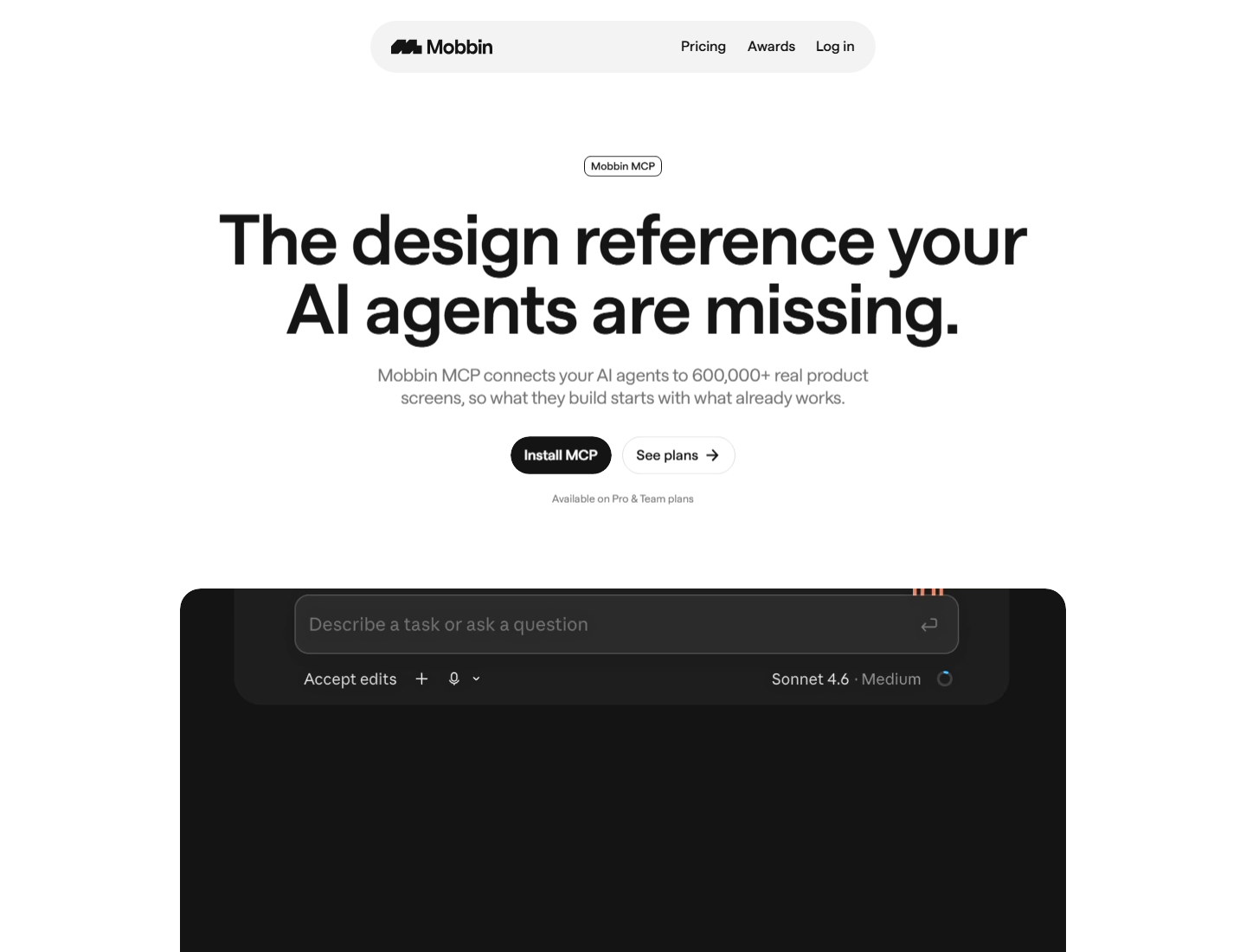
Mobbin's MCP page says the connector gives AI agents access to 600,000+ real product screens and is available on Pro and Team plans. Mobbin's main site currently lists 621,500+ screens, 323,900 flows, and 1,428 apps. Business Wire's launch release gives additional context, describing the MCP as a server for agents in tools like Claude, Cursor, Lovable, and more.
Link Map
| Useful link | What it is | How it fits the workflow |
|---|---|---|
| Griffin Wooldridge video | Main walkthrough: Mobbin MCP connected to Claude Code, profile-page research, build, and redesign. | Watch first for the working product-designer workflow. |
| Griffin Wooldridge on X | Creator credit and follow-up design-agent content. | Use for updates from the person who demonstrated this workflow. |
| Mobbin | UI and UX design reference library for mobile, web, and app screens. | Manual research source and the content library behind the MCP. |
| Mobbin MCP | Official MCP product page for agent access to Mobbin references. | Start here to understand plan availability and intended use. |
| Claude Desktop setup | Official connector setup: add a custom connector named Mobbin with the MCP URL. | Use this if connecting through Claude's connector UI. |
| Cursor setup | Official Cursor setup using an mcp.json configuration. |
Use this if building directly inside Cursor. |
| Model Context Protocol | The open protocol layer that lets tools expose context and actions to AI agents. | Useful background if you are wiring Mobbin into Codex or other MCP-capable agents. |
| Anything | One of Griffin's top tools listed in the video description. | General AI building tool reference from the creator's stack. |
| Framer | Creator-listed web design and publishing tool. | Useful when the research-backed UI needs a marketing-site surface. |
| Granola | Creator-listed meeting notes tool. | Useful for turning design feedback calls into agent-ready notes. |
| Base44 | Creator-listed app-building tool. The supplied affiliate URL was truncated, so this uses the public product URL. | Useful as a no-code/AI app-building comparison point. |
What Mobbin MCP Is
Mobbin was already a design inspiration library. The MCP changes where that library sits in the workflow.
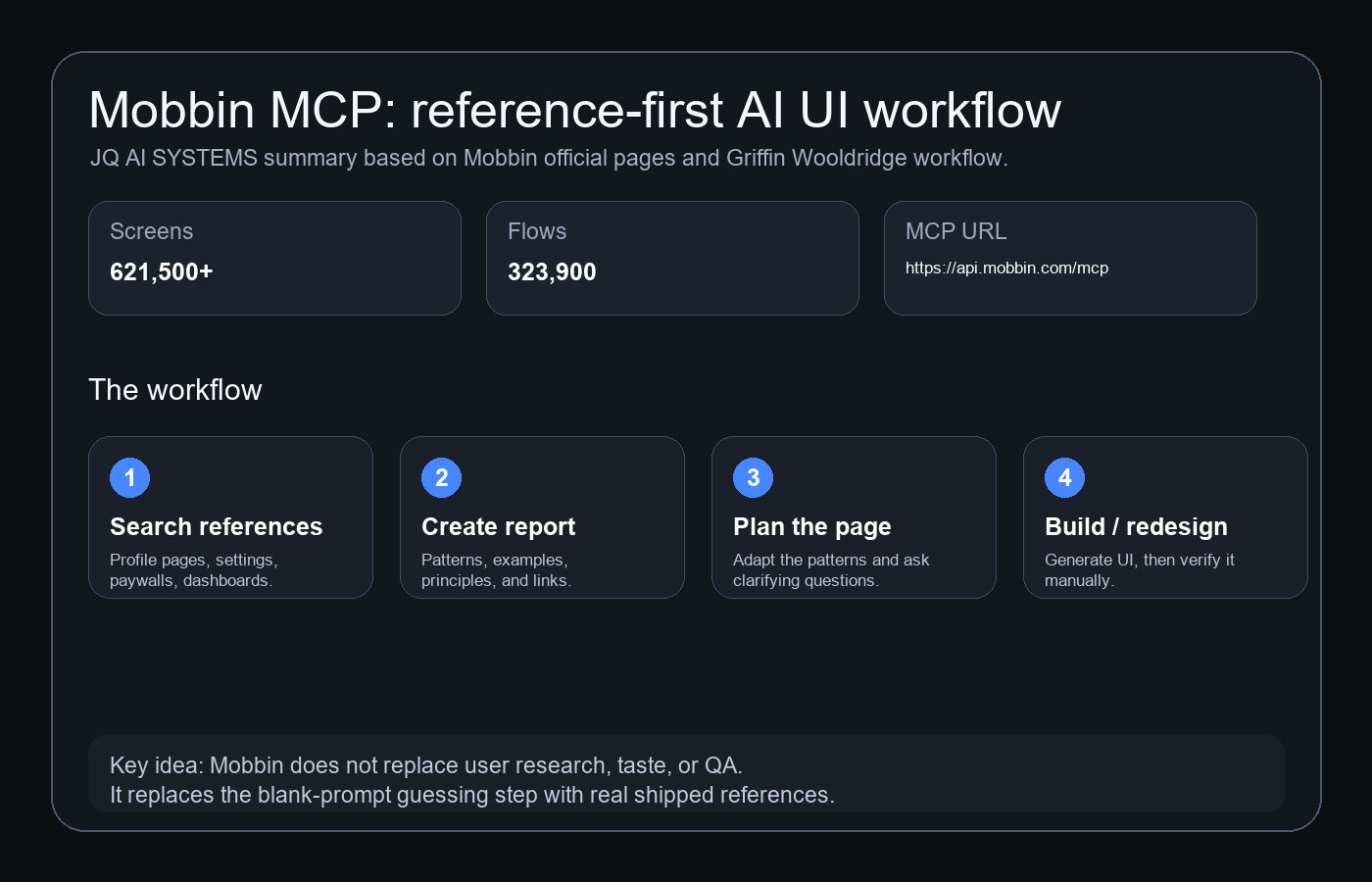
Instead of you searching Mobbin, taking screenshots, pasting them into the agent, and explaining why each pattern matters, the agent can search the library itself. In Griffin's demo, Claude has access to tools for searching screens, flows, and sections. That means the design process can start with specific shipped examples: profile pages, settings screens, paywalls, onboarding flows, dashboards, toasts, dialogs, progress indicators, and more.
The important phrase is "before it designs anything." The reference step happens before the build step.
Setup
The official Mobbin Claude setup is simple:
- Open Claude and go to Customize then Connectors.
- Add a custom connector.
- Name it
Mobbin. - Use this server URL:
https://api.mobbin.com/mcpOn first use, Mobbin opens a browser authorization flow. You sign in with your Mobbin account and grant access. The video also emphasizes a practical point: you need a Mobbin subscription for this workflow.
For Cursor, Mobbin's docs show this mcp.json shape:
{
  "mcpServers": {
    "Mobbin": {
      "type": "http",
      "url": "https://api.mobbin.com/mcp",
      "headers": {}
    }
  }
}
For Codex or other agents, the practical rule is the same: if your tool supports custom HTTP MCP servers, start with Mobbin's MCP URL, then verify authorization and available tools in that specific client.
The Workflow
Griffin's demonstrated flow has two useful patterns.
1. Research before build
He starts by asking Claude Code to use Mobbin MCP to find relevant profile-page designs, then create a visual HTML report with examples and best practices. In the demo, Claude studies dozens of screens and groups the findings into identity basics, security, sessions, connected accounts, API access, and danger-zone patterns.
That report matters because it lets you review the agent's design reasoning before the page is built. You can remove sections, add product constraints, ask for clarifying questions, or change the direction.
2. Redesign from references
The second pattern is even more practical: take an existing generic dashboard and ask the agent to redesign it based on Mobbin patterns for that category. In Griffin's example, a plain financial dashboard becomes more structured after Claude researches financial dashboards from real products and applies the visual hierarchy back to the existing page.
This is where Mobbin MCP is strongest: it turns "make it look better" into "use real product patterns from this category and explain what changed."
Prompt Pack
These prompts are adapted from Griffin's workflow, cleaned up for reuse:
Connection test
Are you connected to the Mobbin MCP? Tell me which Mobbin tools are available before we continue.Research report before build
Using the Mobbin MCP, find the top profile page designs for SaaS analytics products.

Create a visual HTML report showing:
1. The most relevant profile page examples.
2. The patterns top companies converge on.
3. Which patterns fit our app and which do not.
4. A proposed profile page structure for this product.

Do not build the page yet. First create the research report and plan.
Clarifying questions gate
Before building, ask me the 5 most important clarifying questions that would change the profile page design, content, or information architecture.Build after review
Everything in the plan looks good except notifications, which already live in settings.

Proceed with the profile page. Keep the existing design system, navigation, spacing, and interaction patterns. Include identity, password, sign-in method, two-factor authentication, active sessions, connected accounts, API keys, and a danger zone.
Redesign existing UI
Using the Mobbin MCP, research best UI/UX patterns for modern financial dashboards.

Then redesign this existing dashboard using those patterns. Preserve the product's core content, but improve hierarchy, navigation, information density, and visual system.

After the redesign, explain which Mobbin references informed each major change.
When To Use It
| Use case | Why Mobbin MCP helps |
|---|---|
| Profile pages | Find common patterns for identity, security, sessions, connected accounts, API keys, and danger zones. |
| Settings screens | Ground tab structure, grouping, labels, toggles, permissions, and account-management patterns. |
| Paywalls and pricing | Compare real upgrade flows, plan hierarchy, CTAs, objections, free vs paid framing, and cancellation reassurance. |
| Onboarding | Study progressive disclosure, account setup, permissions, empty states, first-run tasks, and activation loops. |
| Dashboard redesigns | Move from generic charts to category-specific hierarchy, navigation, cards, filters, and KPI layout. |
| Design-system audits | Use references to spot where your product looks inconsistent, over-generic, or under-specified. |
Limits And Guardrails
- Mobbin is reference, not research. It helps with pattern discovery. It does not replace user interviews, usability testing, analytics, or domain expertise.
- Do not clone screens. Use references to extract principles and patterns, then design original UI for your product.
- Always ask for the report first. If the agent jumps straight to code, you lose the chance to correct its reasoning.
- Check the links. When Claude cites Mobbin examples, open them and verify the source actually supports the design claim.
- Keep the existing design system. Reference-backed UI can still drift if the agent ignores your tokens, spacing, components, and brand rules.
- Review accessibility. Real apps are not automatically accessible or ideal for your audience.
- Use Codex/Cursor/Claude permissions carefully. MCP access gives the agent more context, which is powerful, but it should still operate inside a bounded repo and review workflow.
Sources
- Griffin Wooldridge: This MCP Gives Claude Code 600,000+ Real Design References
- Griffin Wooldridge on X
- Mobbin official site
- Mobbin MCP official page
- Mobbin docs: Claude Desktop setup
- Mobbin docs: Cursor setup
- Business Wire: Mobbin launches MCP server
- Model Context Protocol
- Anything
- Framer
- Granola
- Base44